
ChatGPT, Claude and Perplexity.ai as Custom Search Engine
Add Firefox Addon Search Engines Helper
Search URLs
ChatGPT:
https://chatgpt.com/?q=%s
Claude:
https://claude.ai/new?q=%s
Perplexity.ai
https://www.perplexity.ai/?q=%s
How to add a Custom Search Engine?
To add Perplexity as your default search engine in Firefox, follow these steps:
Add Perplexity as a Search Engine:
- Click on the Extensions icon of the addon.
- For the Search URL, enter:
https://www.perplexity.ai/?q=%s. - Click on Add search engine.
Add Firefox Custom Search Engine:
- Go to settings or enter this URI:
about:preferences#search - search for search engine until you see a table like this:
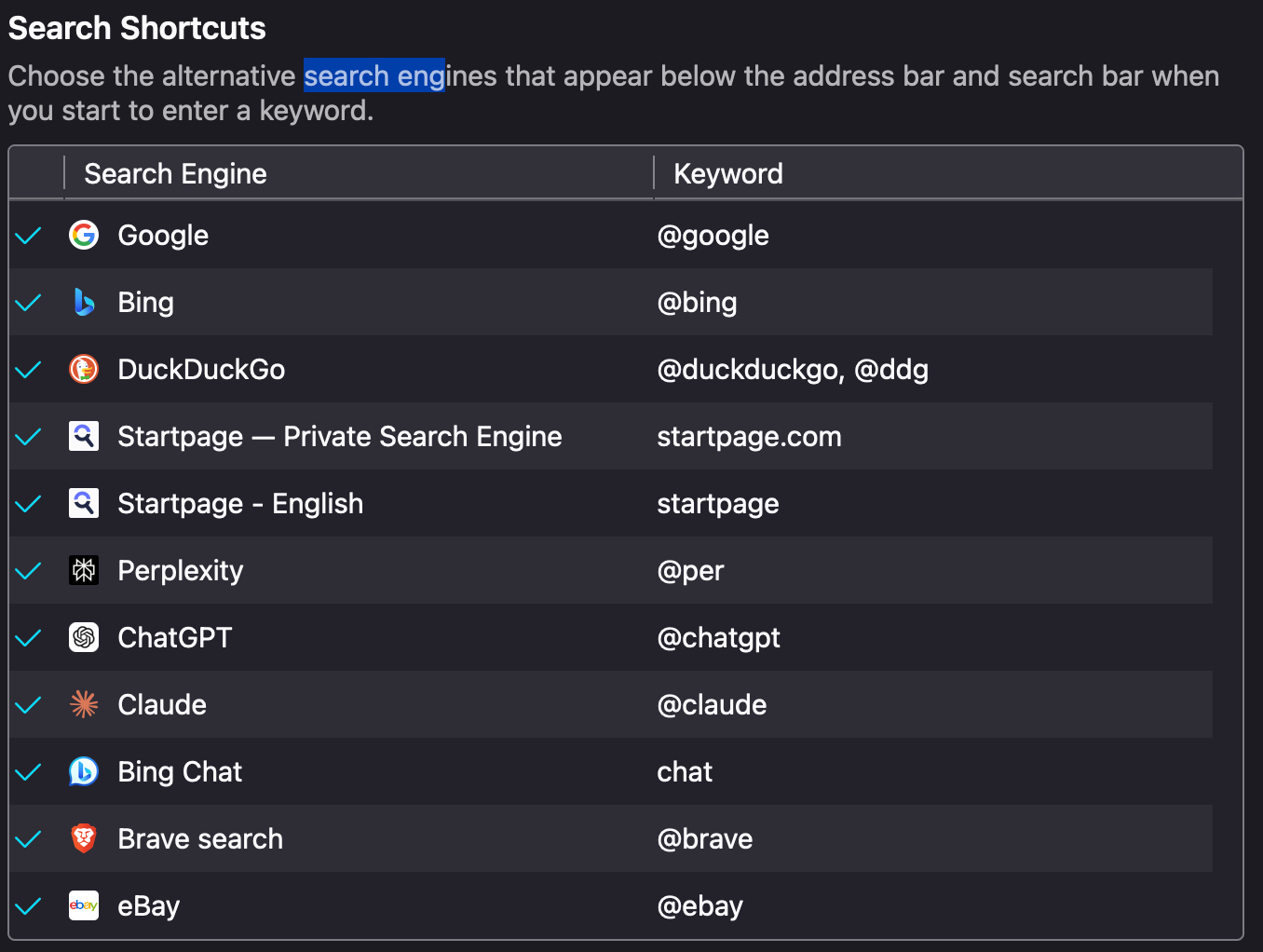
- add Shortcuts like
@perfor Perplexity
No comments to display
No comments to display