
Ad Free Youtube Revanced
Install Revanced Manager + Revanced Youtube
-
Go to Revanced
-
Download & install
-
Manager > Patches > Youtube > Suggested

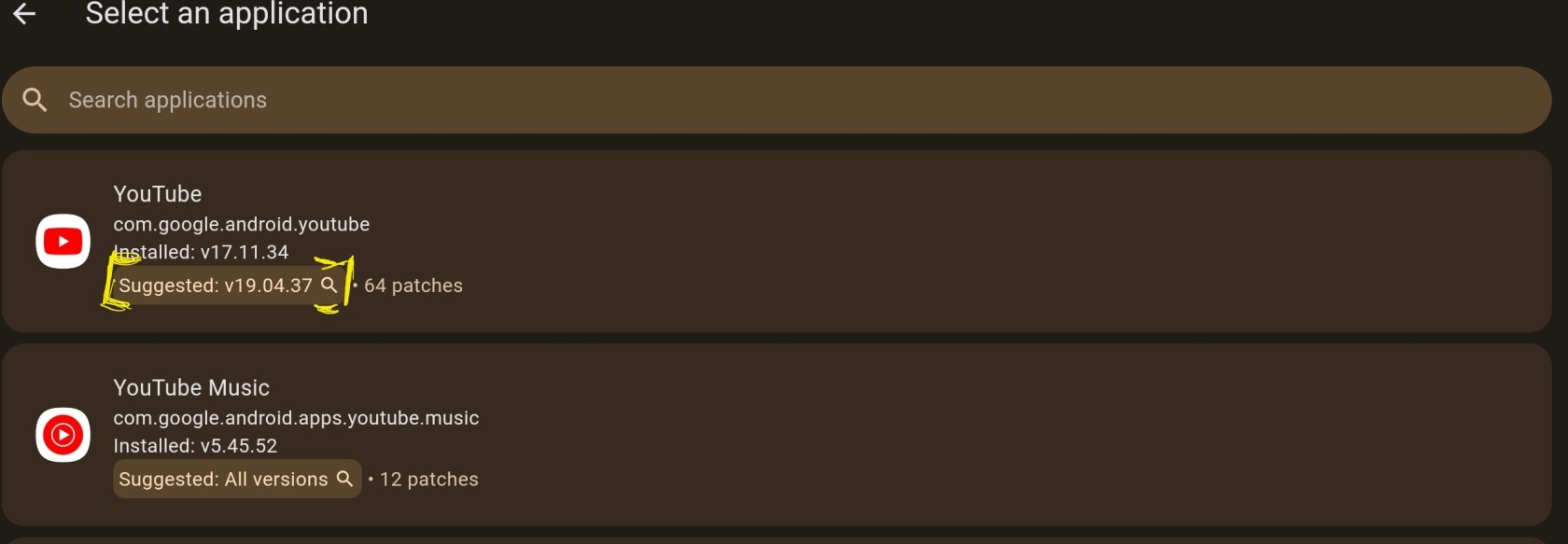
StoragePatcher > Select an App > Click on Youtube
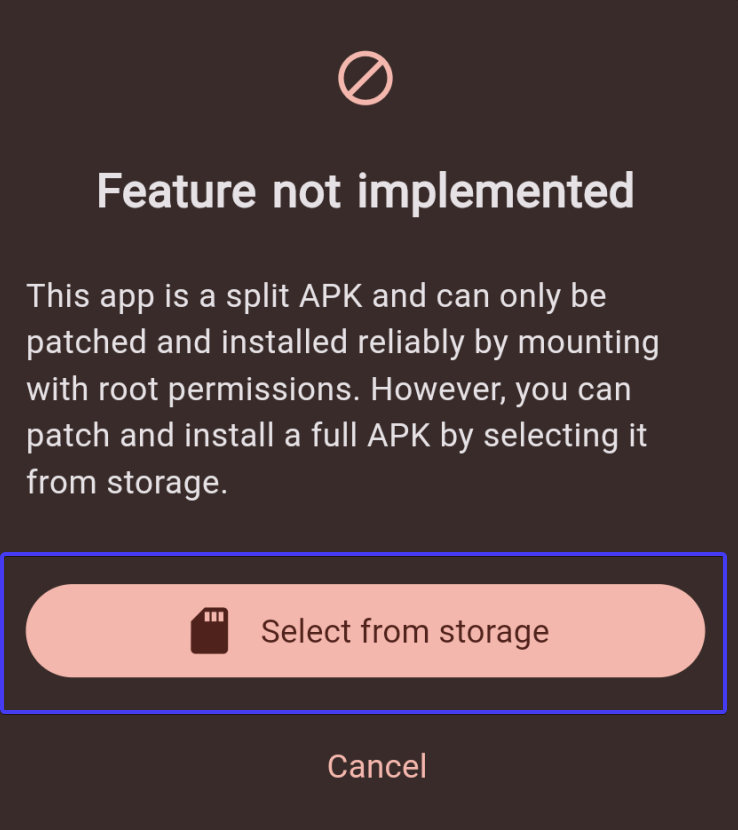
APK> Select from storage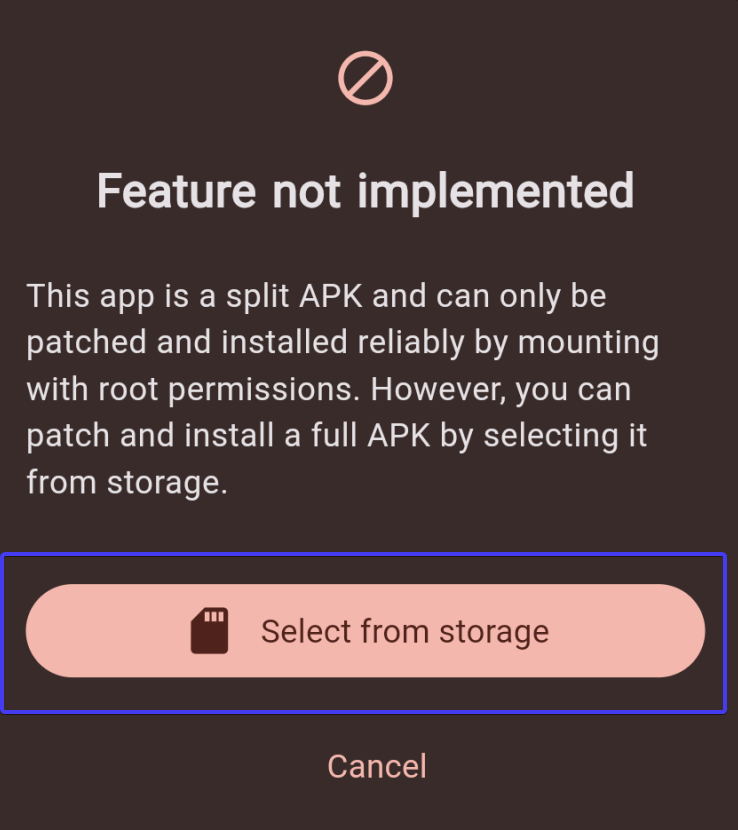
-
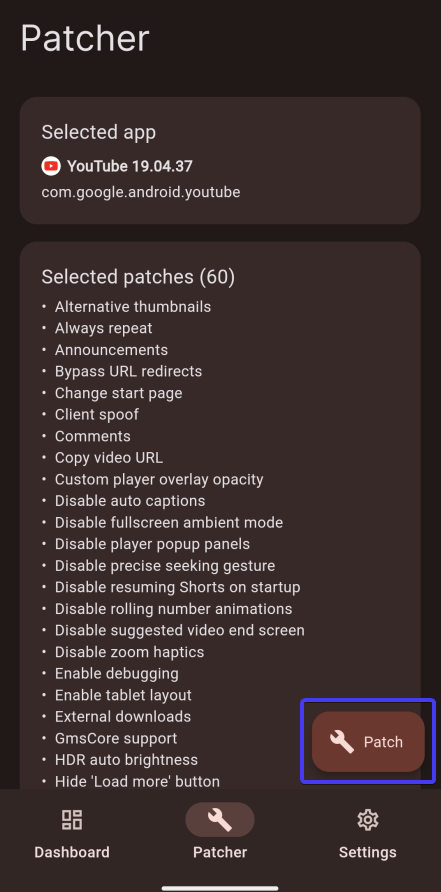
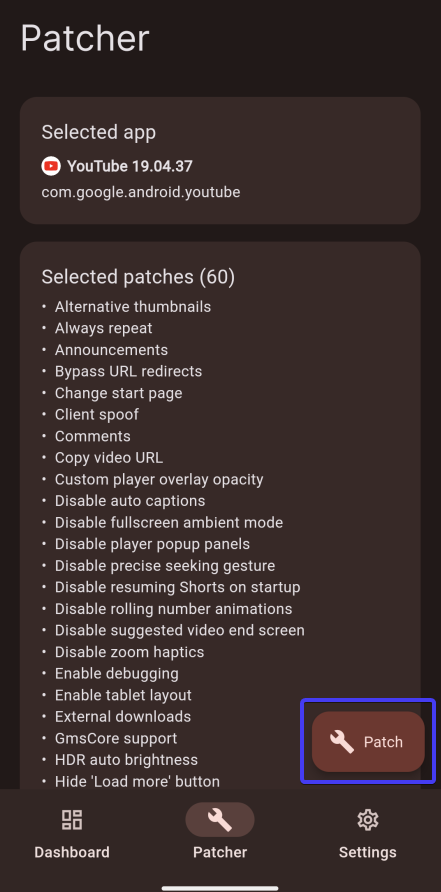
Patch
&
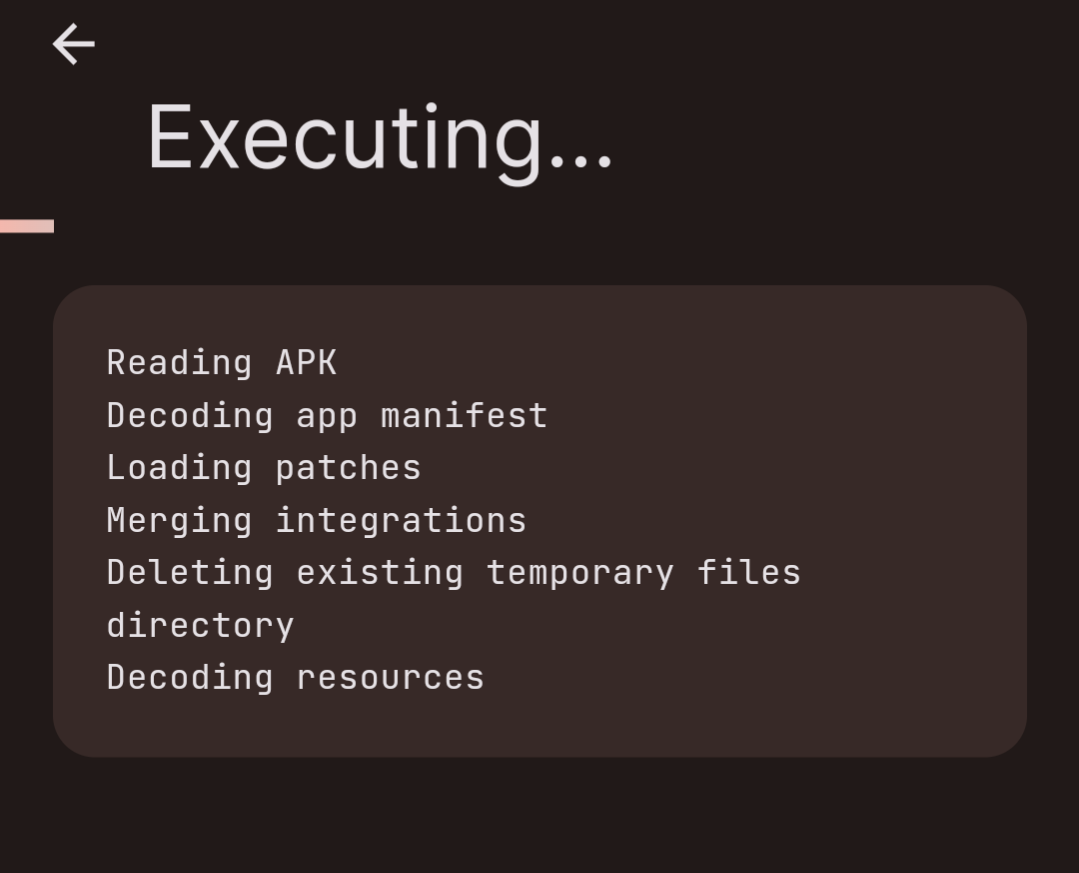
wait -
Wait
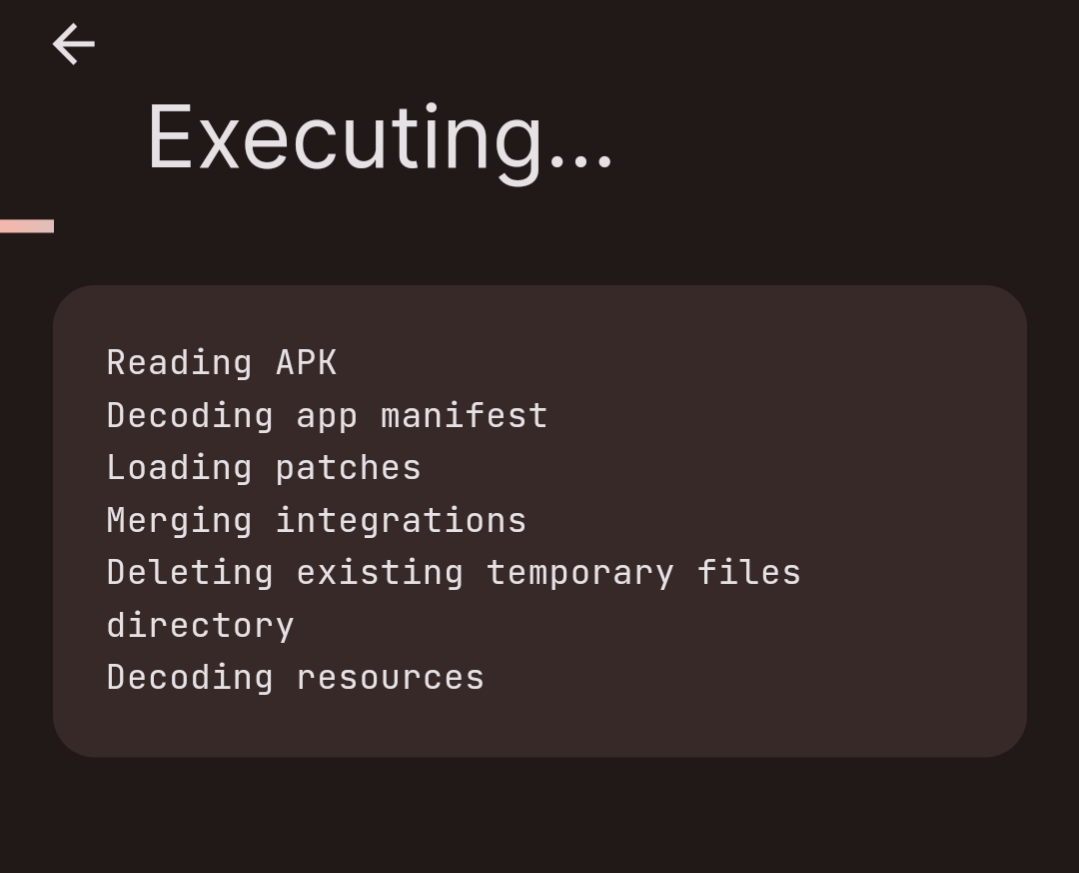

Install > Warning > trotzdem installieren
Disable Shorts
Youtube App > Startpage > Shorts Settings (3 Dots) > kein Interesse ?