Ad Free Youtube Revanced
Install Revanced Manager + Revanced Youtube
Go to Revanced
Download & install
 Lucky Patcher > YouTube suchen > Tools > teilen > Material Files > in Downloads speichern
-
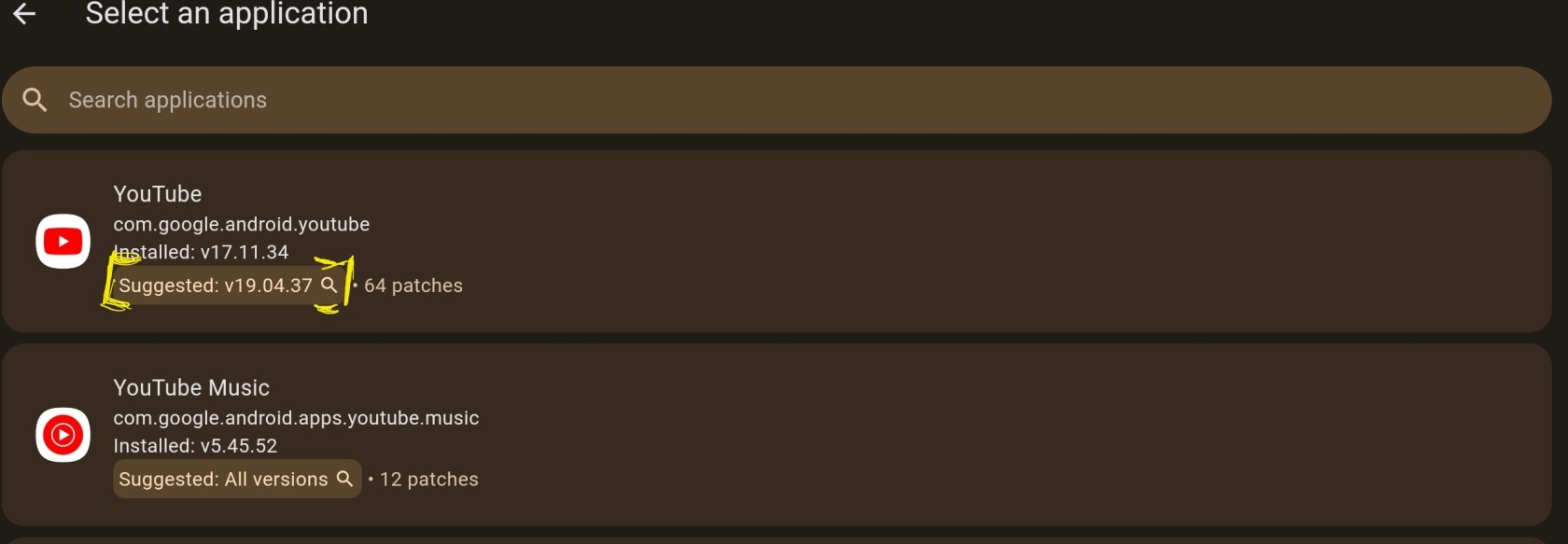
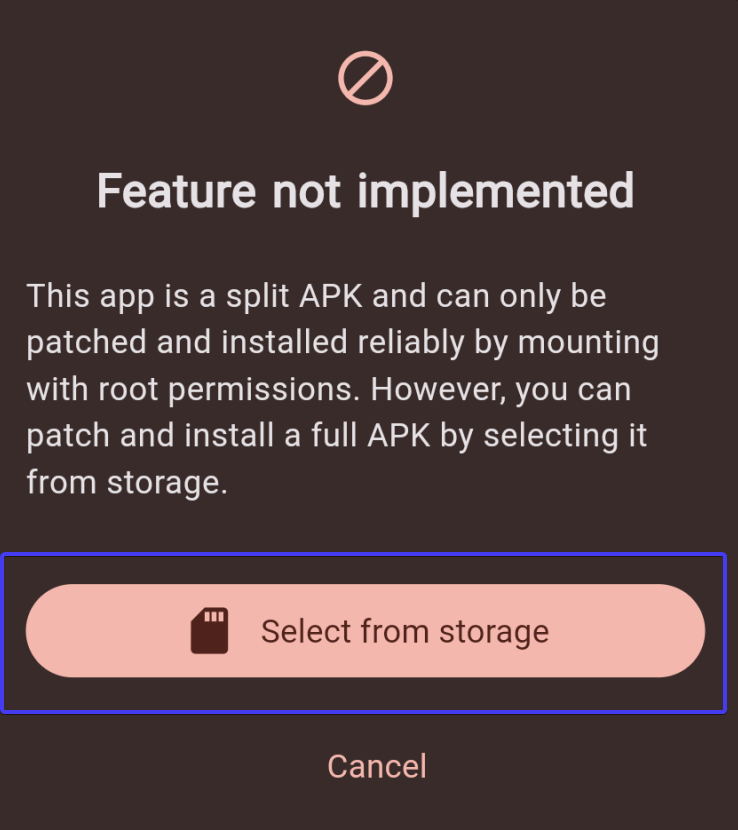
Revanced Manager > Patcher > Select an App > Click on Youtube > Select from storage
-
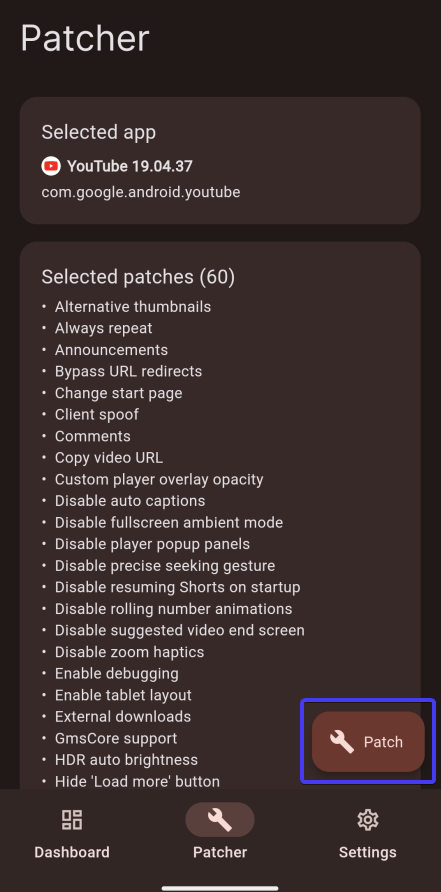
Patch
-
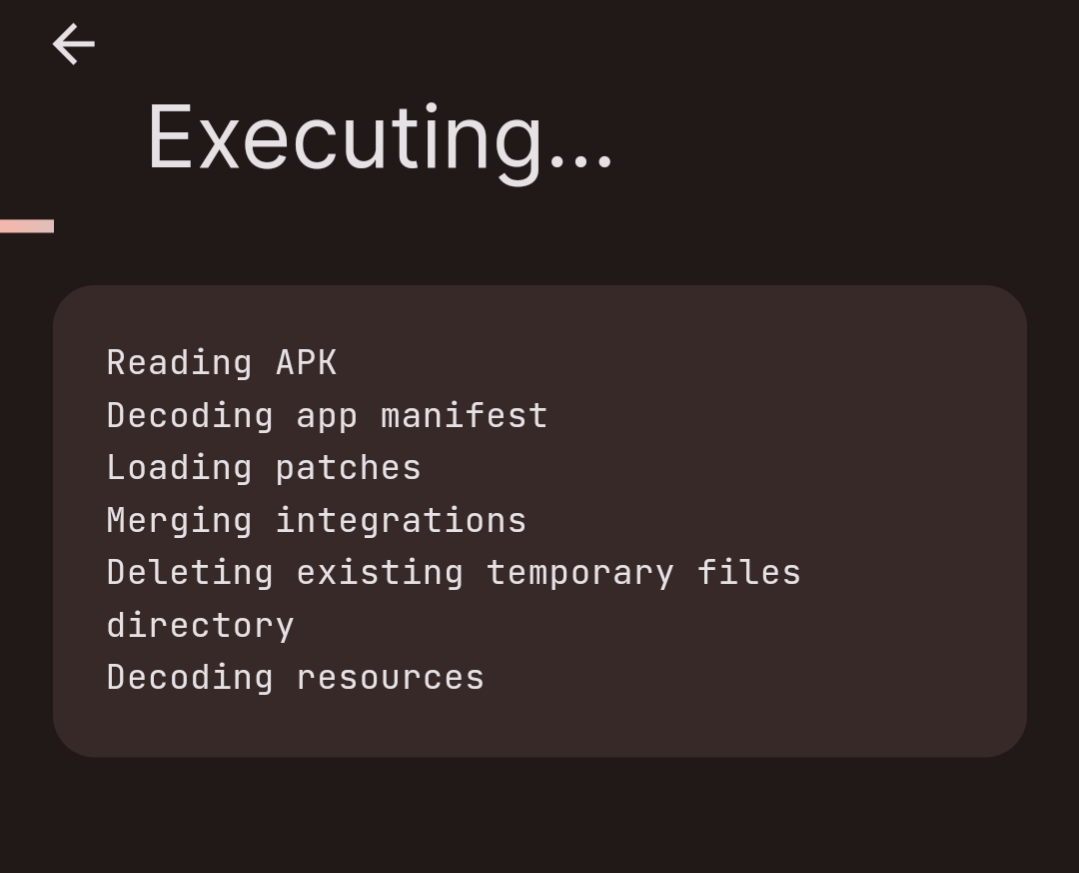
Wait
-
Install > Warning > trotzdem installieren
Disable Shorts
Youtube App > Startpage > Shorts Settings (3 Dots) > kein Interesse
Bilder
Zu 4.
Zu 5.
Zu 6.